Notice suspicious nearby activity
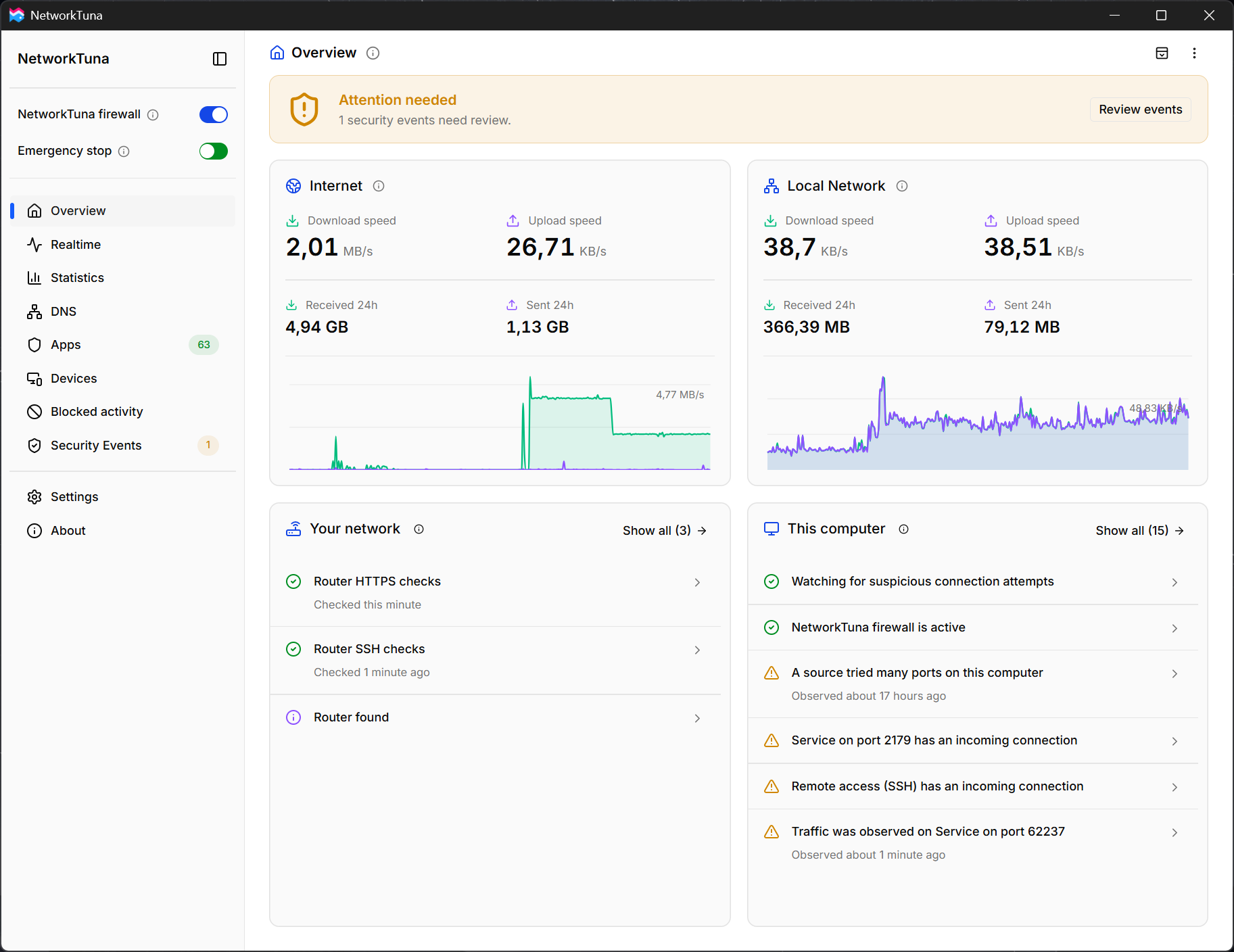
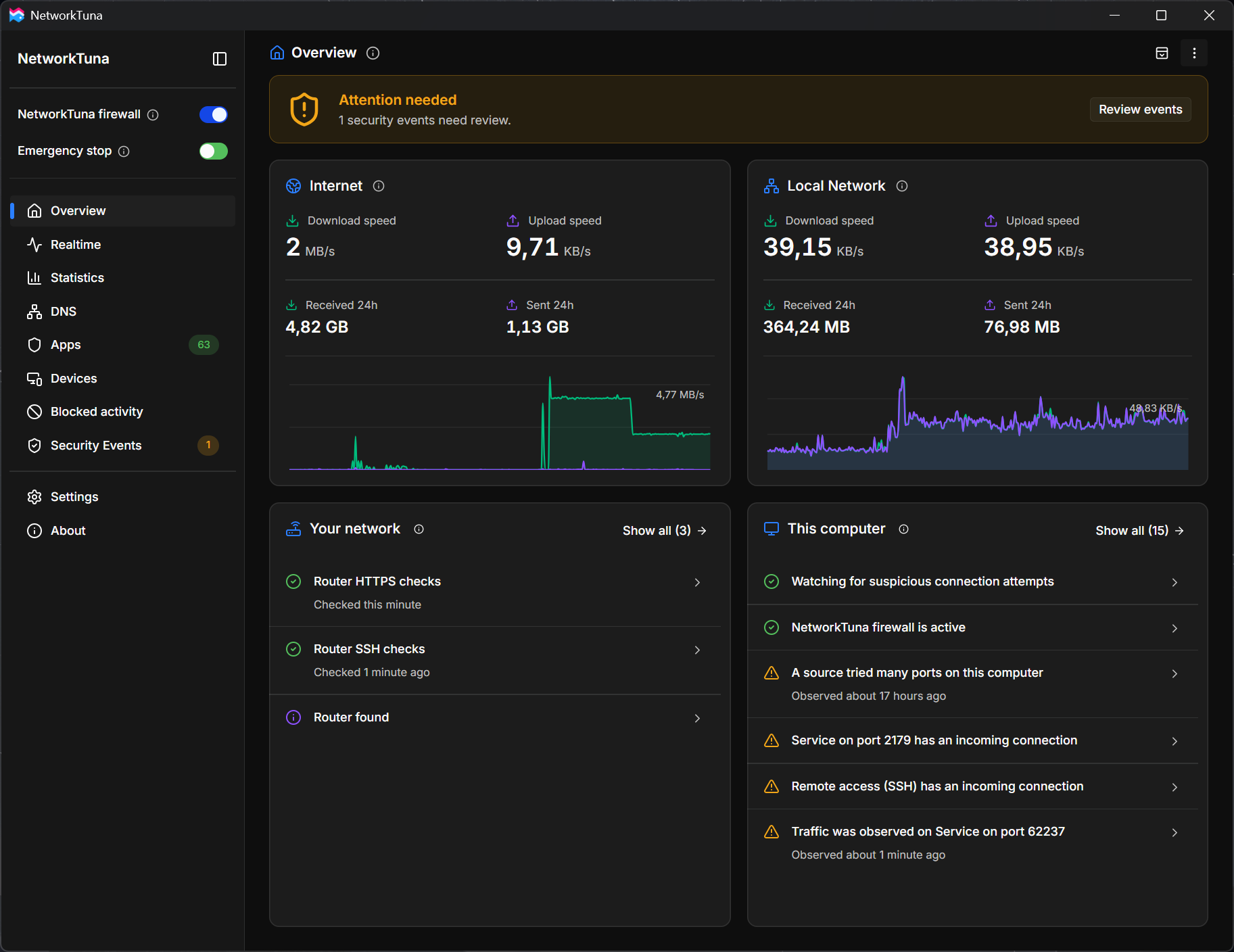
Looks for port scans and repeated attempts from nearby devices to reach services on your PC. Review the evidence behind each finding.
Hover to preview screenshots
Detection guide
NetworkTuna for Windows
NetworkTuna helps detect suspicious activity around your Windows PC, monitors router changes with optional checks, and shows the evidence behind its findings.
Free 14-day trial, then a one-time purchase. No subscription.
Windows 10 version 1903 or later and Windows 11, on x64 and ARM64 PCs
Detect suspicious connection attempts
Looks for port scans and repeated attempts from nearby devices to reach services on your PC.
Monitor your router for changes
Optional router checks watch for changes to management access and security keys, whether you use Wi-Fi or a network cable.
See attempts to reach your PC
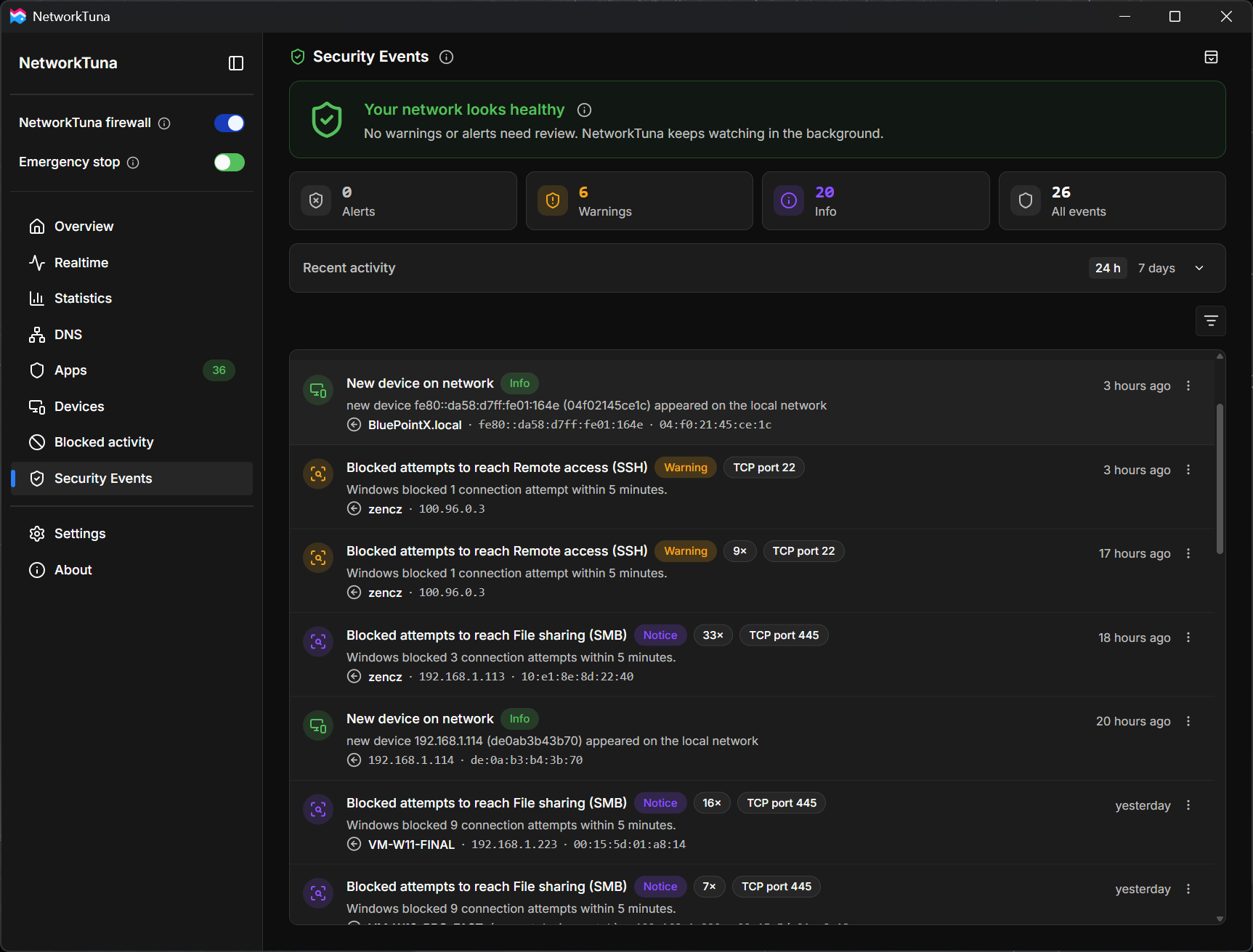
Records incoming connection attempts, even when your firewall blocks them without a notice.
Signed by DeinitLabs and Microsoft
Installers signed by DeinitLabs s.r.o. The network driver carries Microsoft’s signature.
Local history
Your network history stays on your PC.
Made in the EU
Developed by DeinitLabs s.r.o. in Prague, Czech Republic.
Actively developed
Release notes for every version, and NetworkTuna tells you when an update is ready.
What NetworkTuna does
Start with suspicious activity and router changes. Review the evidence, follow your apps' connections, and decide which apps can use the network.
Designed to complement your firewall
Microsoft Defender Firewall or your preferred Windows firewall keeps protecting your PC. NetworkTuna adds suspicious activity detection, optional router monitoring, and tools to investigate and control app connections. It is an addition, not a replacement.
Looks for port scans and repeated attempts from nearby devices to reach services on your PC. Review the evidence behind each finding.
Enable optional checks of your router’s management access and security keys. NetworkTuna can warn when SSH access becomes available after being closed or a remembered SSH key changes.
Review connections blocked by NetworkTuna or your Windows firewall, including attempts to reach your PC that were blocked without a notice.
Choose which apps may connect, which should stay offline, and which can connect for a limited time. Get a Windows notification when an app needs your permission, and see who published each app.
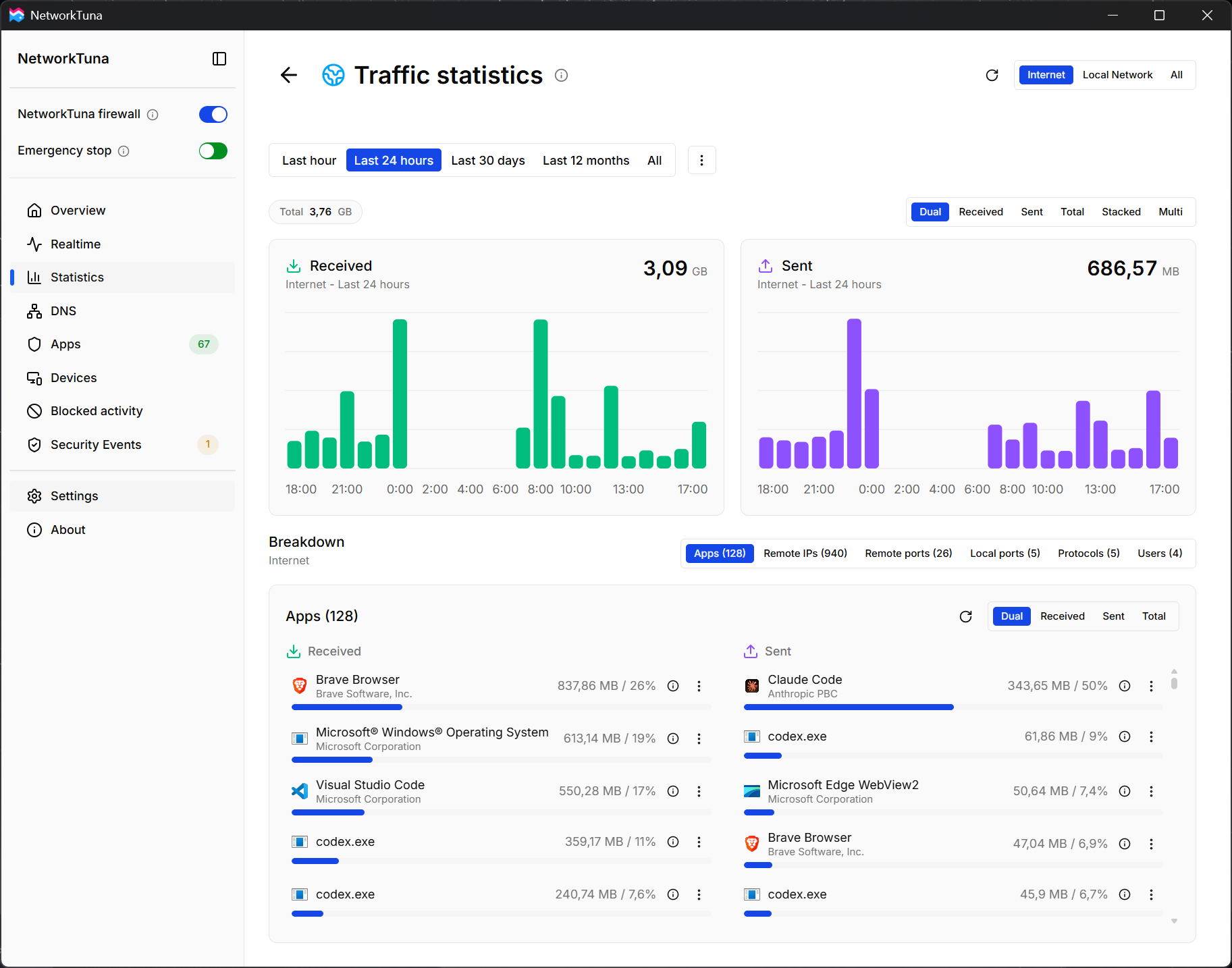
See how much data each app sends and receives over hours, days, or months. Look back at its connections and where they went.
See which apps are connected right now, how much data they are using, and where they connect. Recently closed connections remain visible too.
If something looks wrong, Emergency stop blocks all network traffic of this PC, including apps you allowed. It stays on after a restart until you resume traffic.
No. It does not scan files or remove malware, so keep using your antivirus. NetworkTuna watches the network around your PC: it looks for port scans and repeated attempts to reach services on your PC, and it can check your router for security changes. See the detection guide.
No. Microsoft Defender Firewall or your preferred Windows firewall keeps protecting your PC. NetworkTuna works alongside it. It tells you about attempts that Windows blocked without a notice, and its app firewall lets you decide which apps may connect.
No. NetworkTuna never signs in and sends no user name or password. It checks whether your router's SSH and HTTPS management services respond, remembers their security keys, and warns when SSH access appears or the SSH key changes. Router monitoring is optional and off until you turn it on. See the router monitoring guide.
The trial starts when NetworkTuna first runs, and every feature works during it. Afterwards NetworkTuna keeps working, but the license terms require a license to keep using it. A license is a one-time purchase that never expires, with no subscription. See purchase and registration.
Your network and detection history stays on your PC. To verify your license, NetworkTuna sends only the registration code and a random identifier of the installation, with no traffic, security or configuration data. It also checks for updates, and it sends a problem report only when you choose to.
Latest news
NetworkTuna 1.0.4 Beta names the domains behind connections on Realtime, and a new user guide explains how NetworkTuna detects suspicious network activity.
Read articleNetworkTuna's first public beta is now available for Windows, and we would love to hear your feedback.
Read article